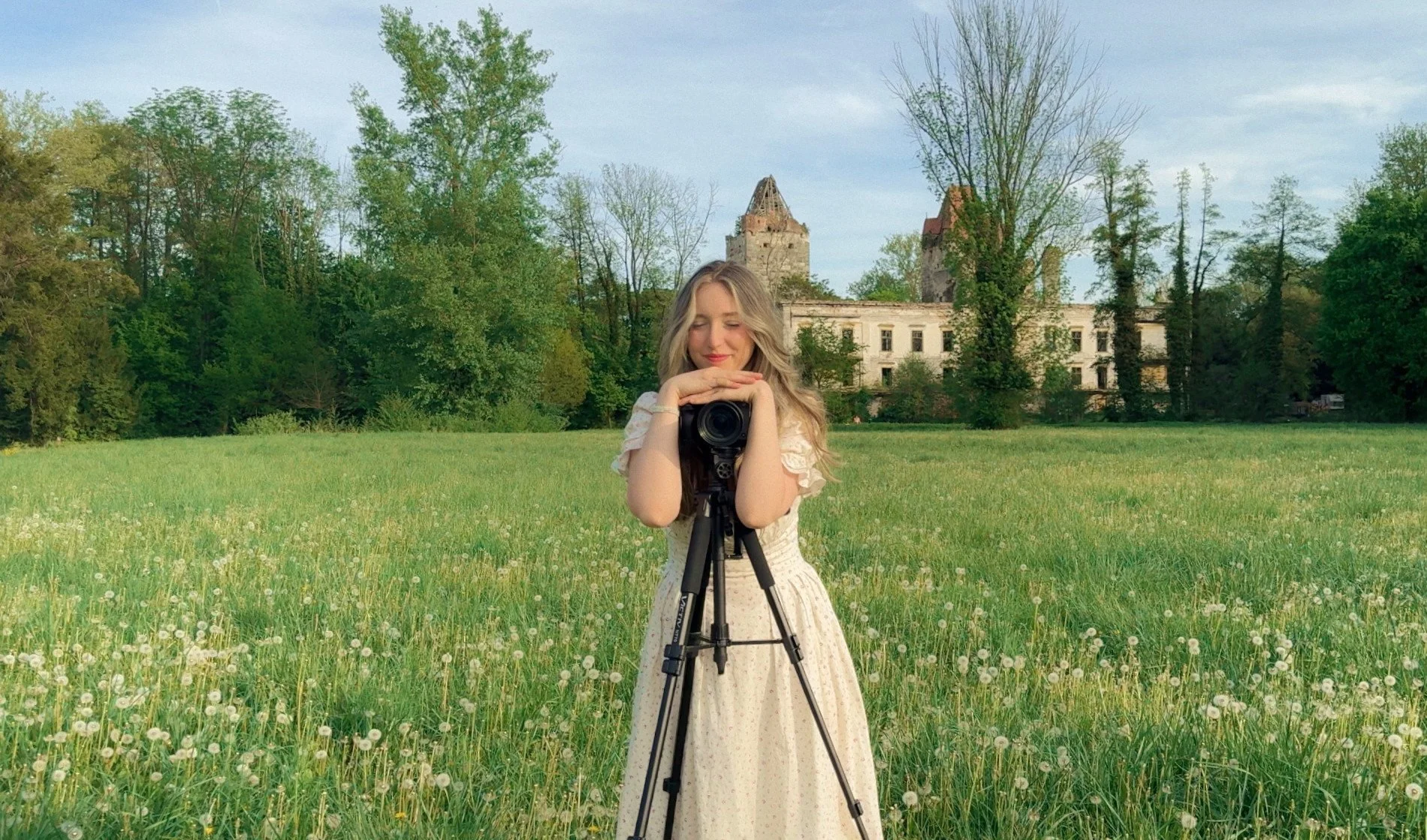
Hi! I’m Amelie & I’m so excited you found my personally crafted presets on this vast space on the internet ✧
YOU CAN ALSO WORK WITH ME DIRECTLY:
In addition to my intentionally crafted presets down below, I also offer 1:1 Portfolio Reviews & Personalized Creative Mentoring
-
What I offer:
Portfolio Reviews
1:1 Mentorship & Guidance
Creative Accountability
These are offers that I deeply wish I had during my photography journey and I’m beyond excited to be offering them to you now! I love nothing more than to help visual artists step fully into their power and highest potential.
I offer traditional support, as well as adding in elements such as manifestation, visualization and mindfulness to accelerate your progress even more ✧
Prices are as follows (Prices are in Euro):
1-Time Portfolio Review: 150€
1:1 Mentorship (includes access to me via Audios, ability to ask any questions, get guidance, support & accountability)
2 Weeks: 450€
4 Weeks: 750€
3 Months: 1400€
Just Accountability (Weekly Written/Audio Check-Ins to hold you accountable on your journey to reach your goals)
2 Weeks: 250€
4 Weeks: 450€
3 Months: 1000€
To Book please reach out directly via email: ameliestroblofficial@gmail.com or via Instagram DMs (Email is faster and prefered)
PHOTOGRAPHY PRESETS
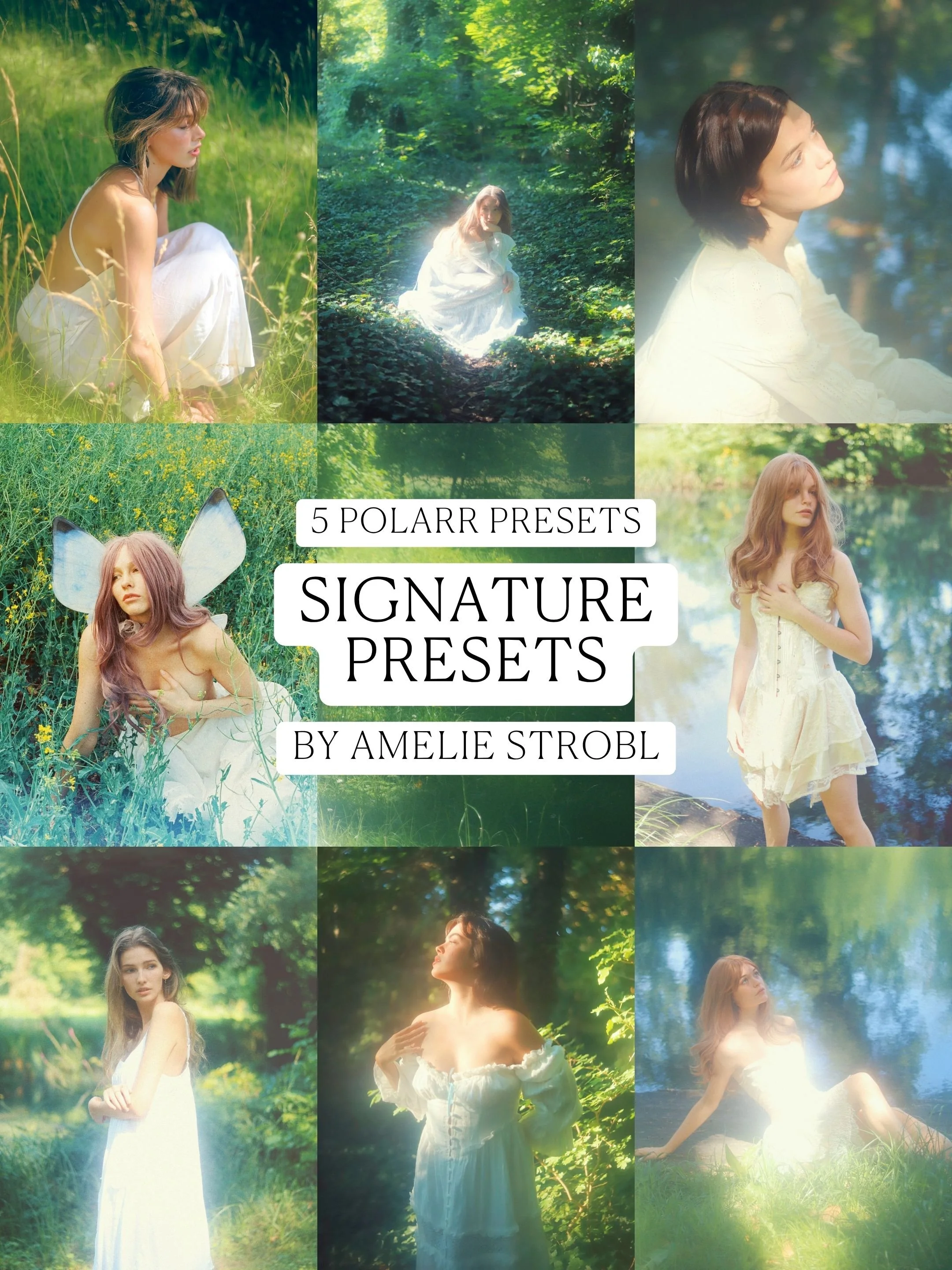
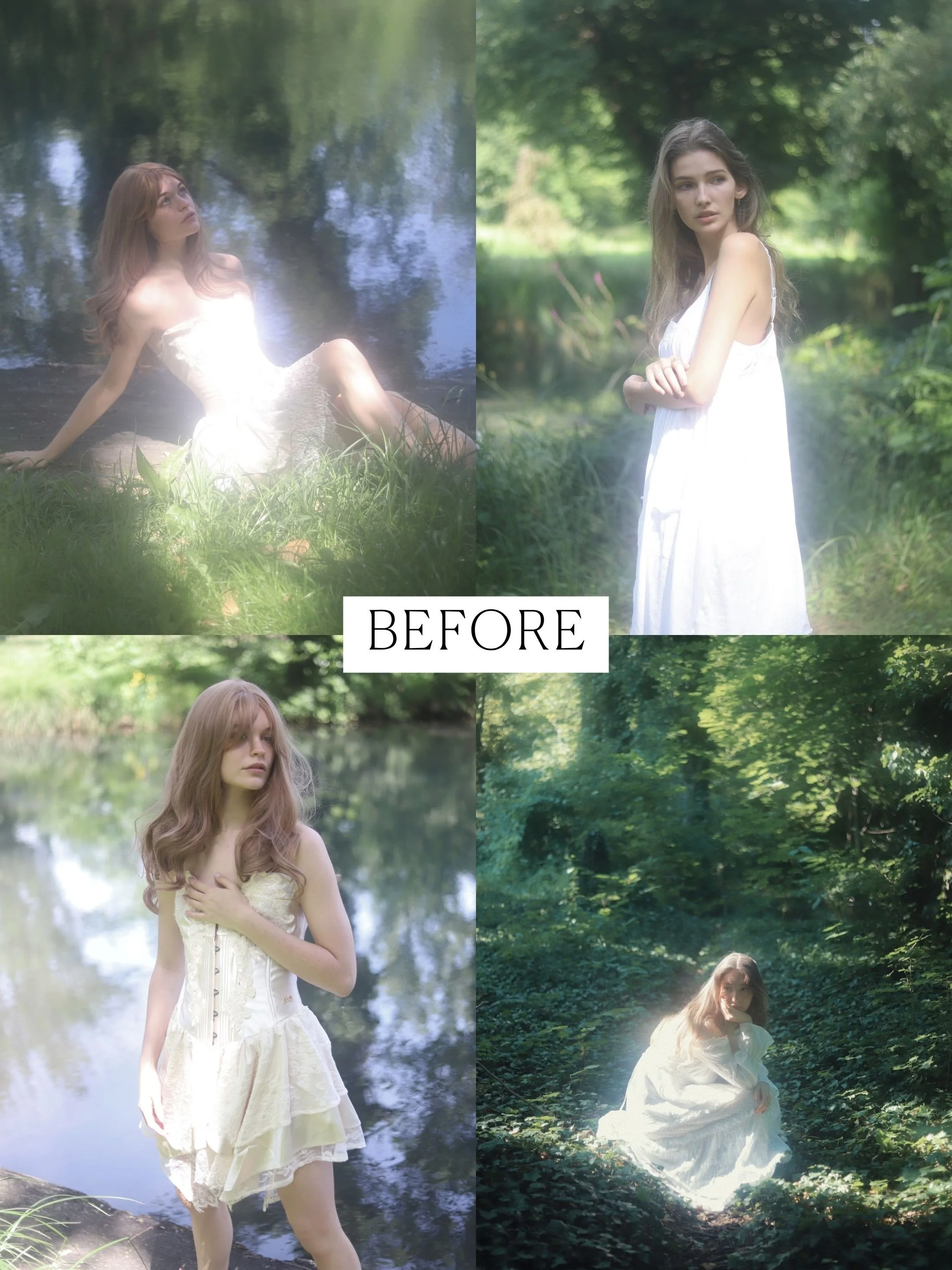
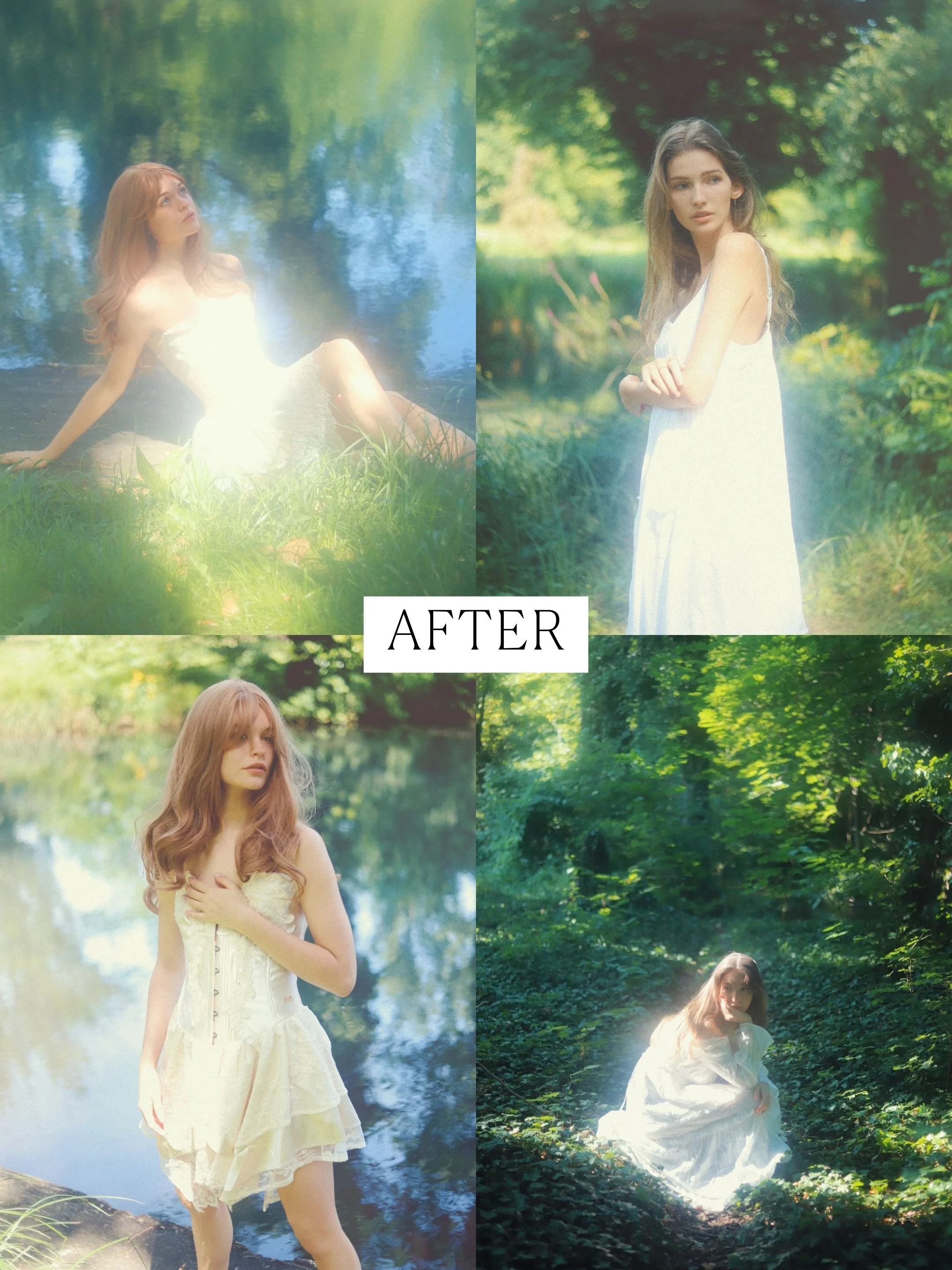
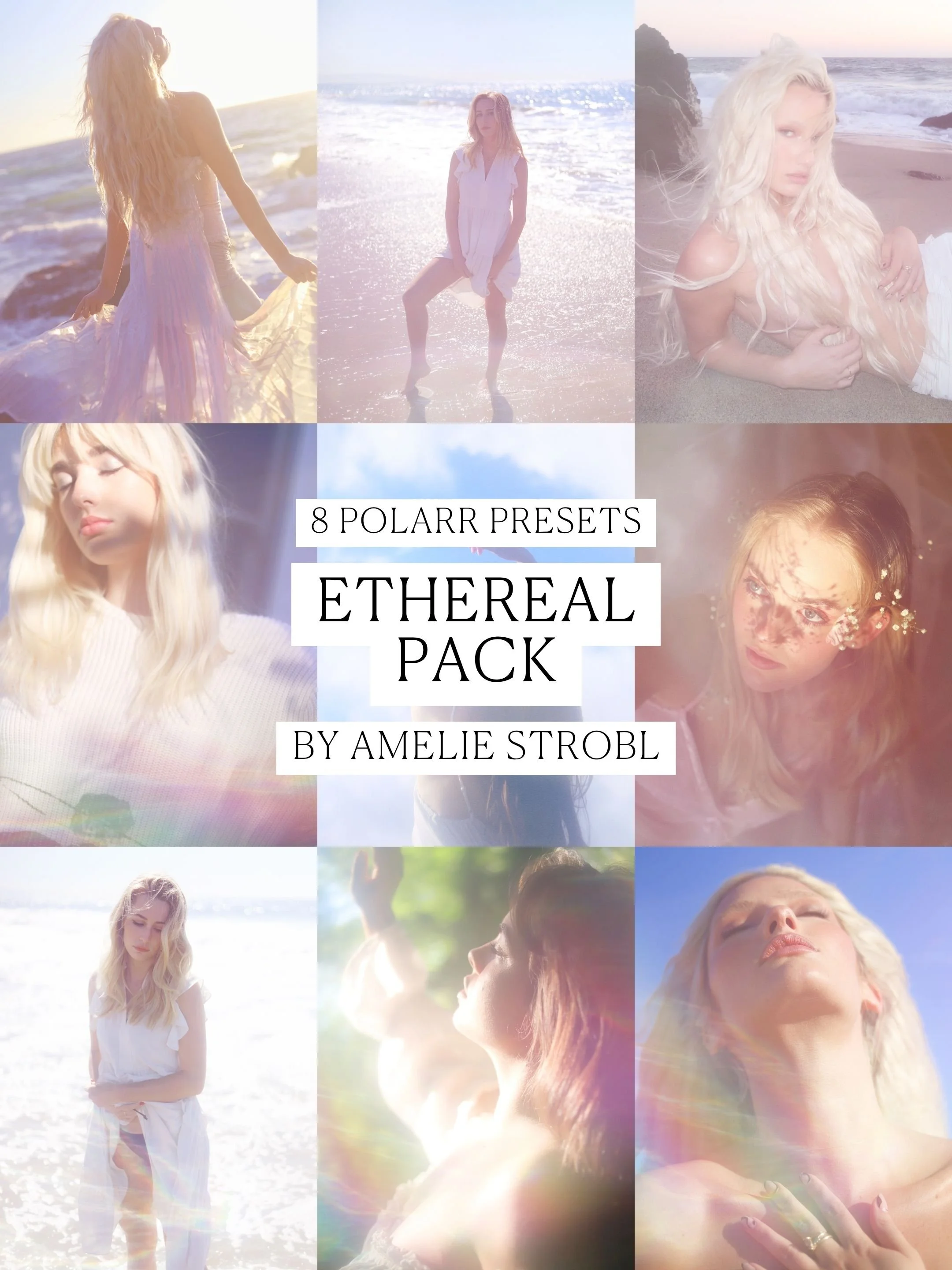
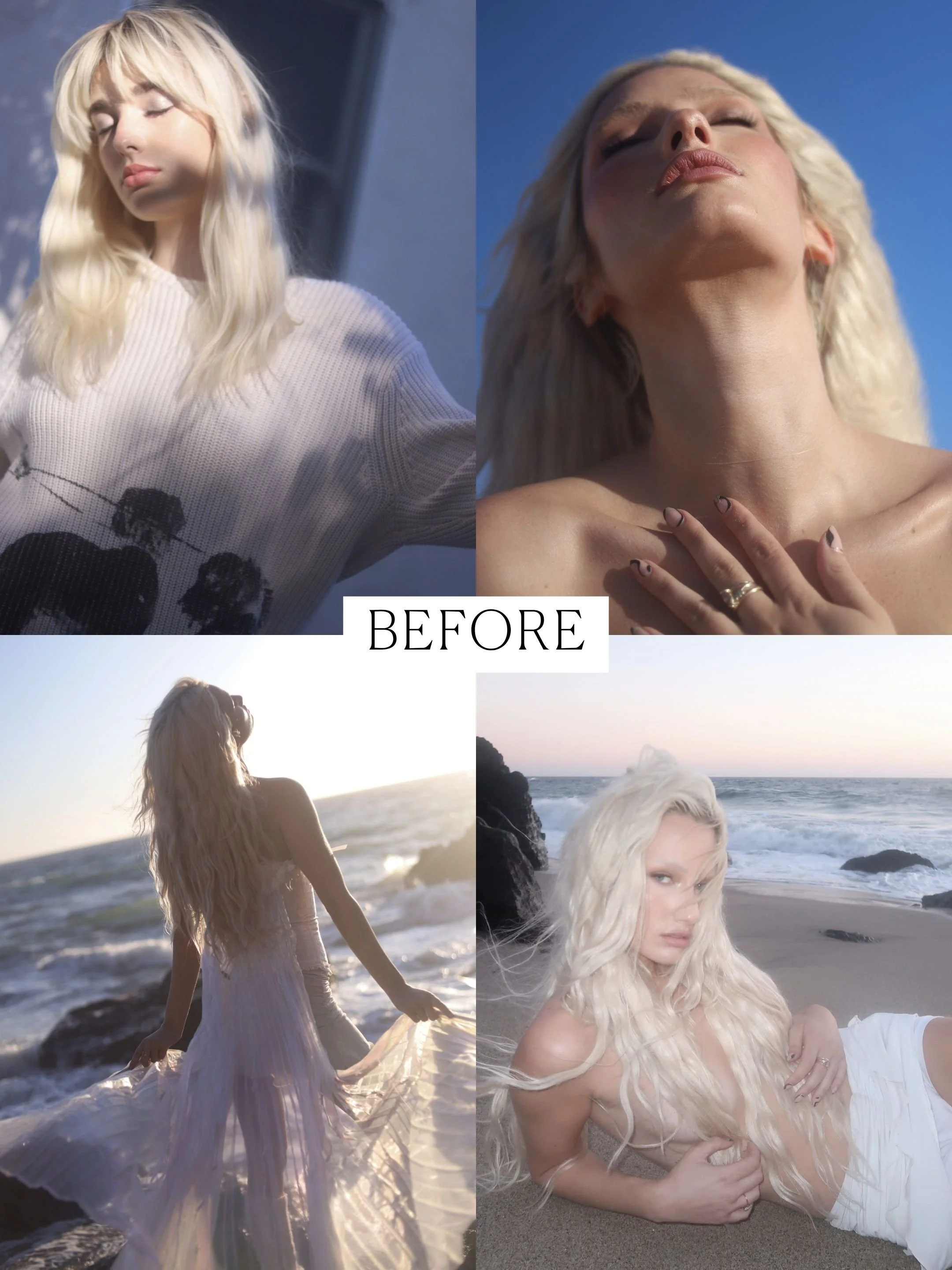
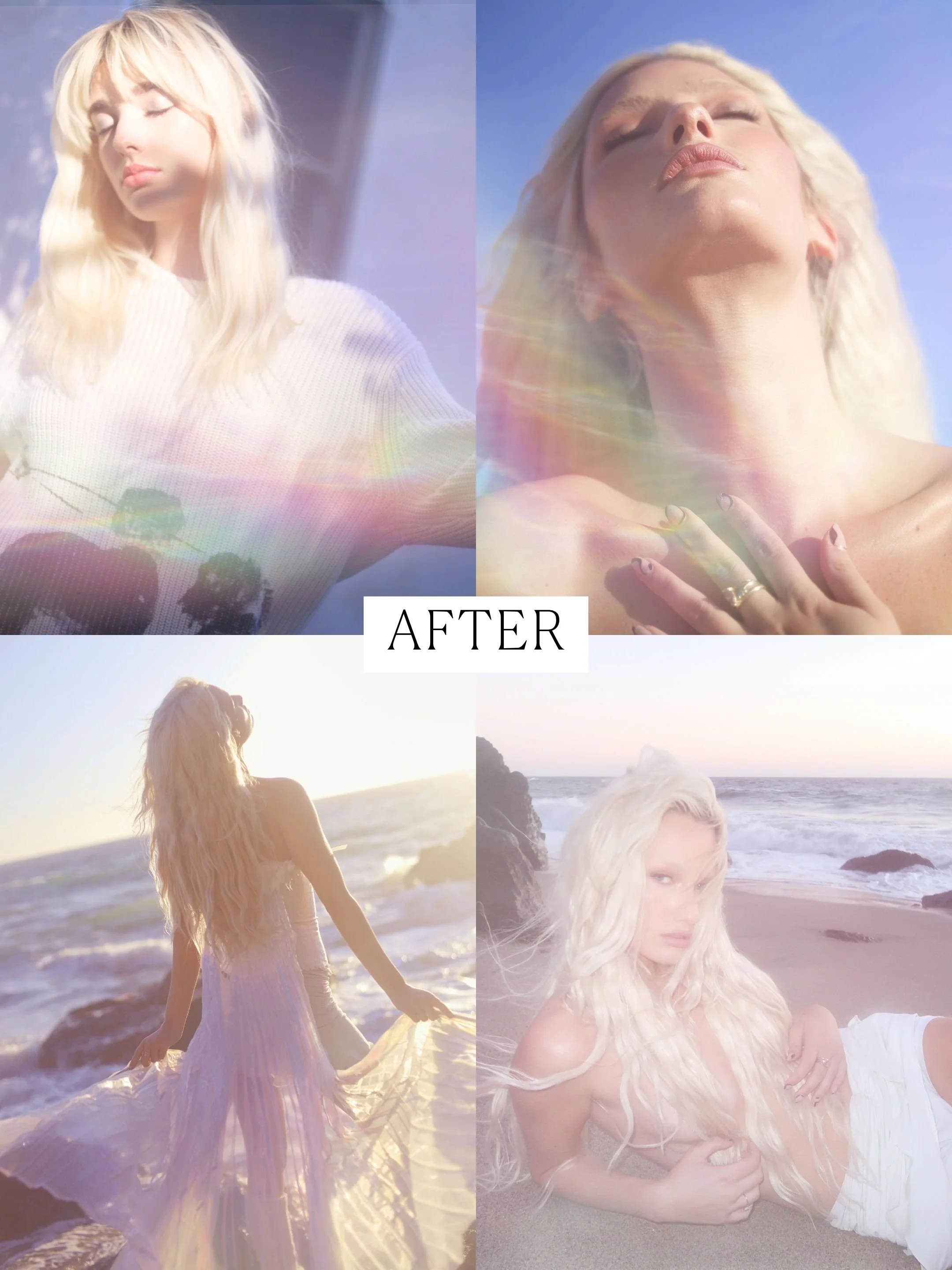

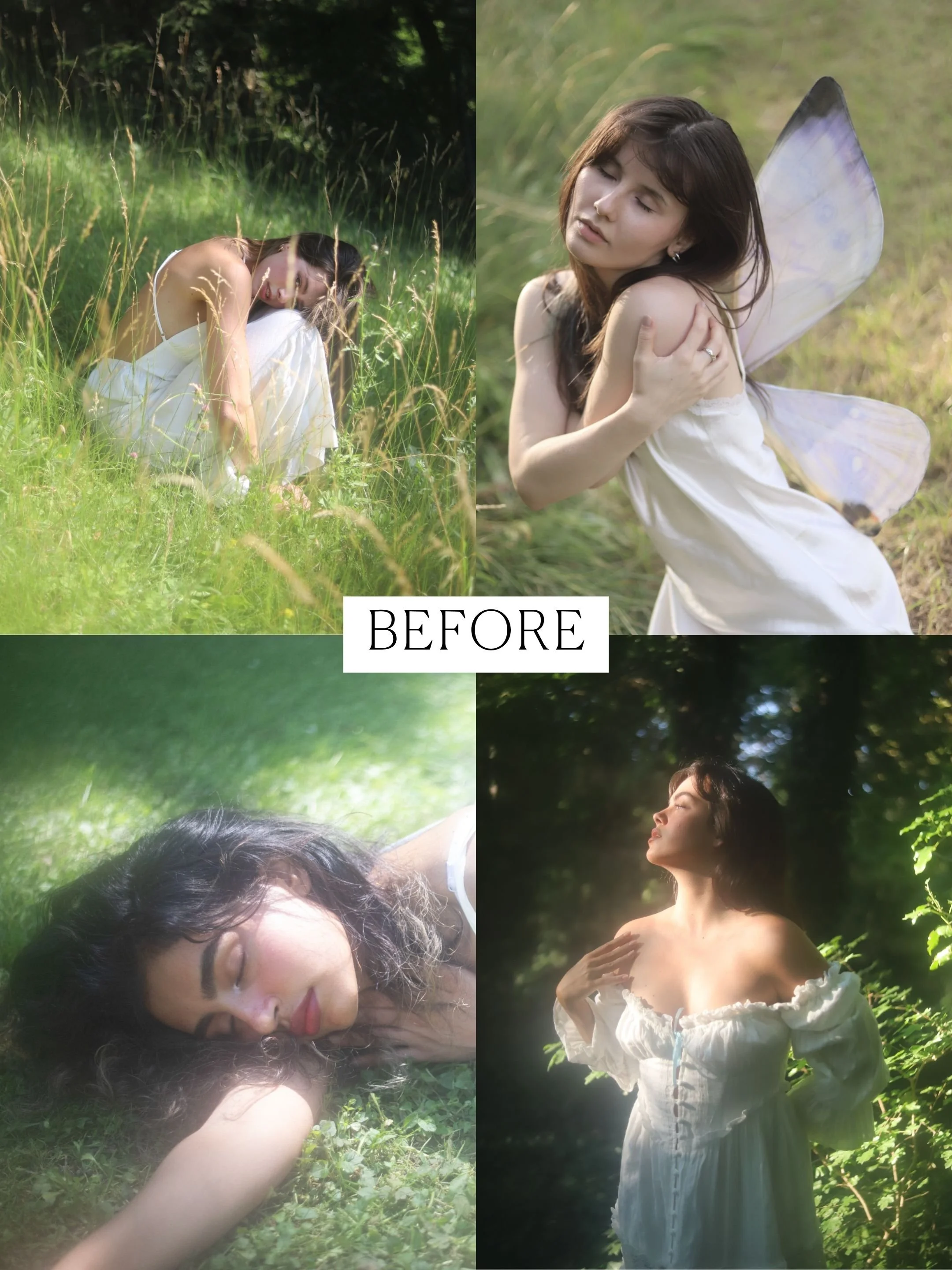
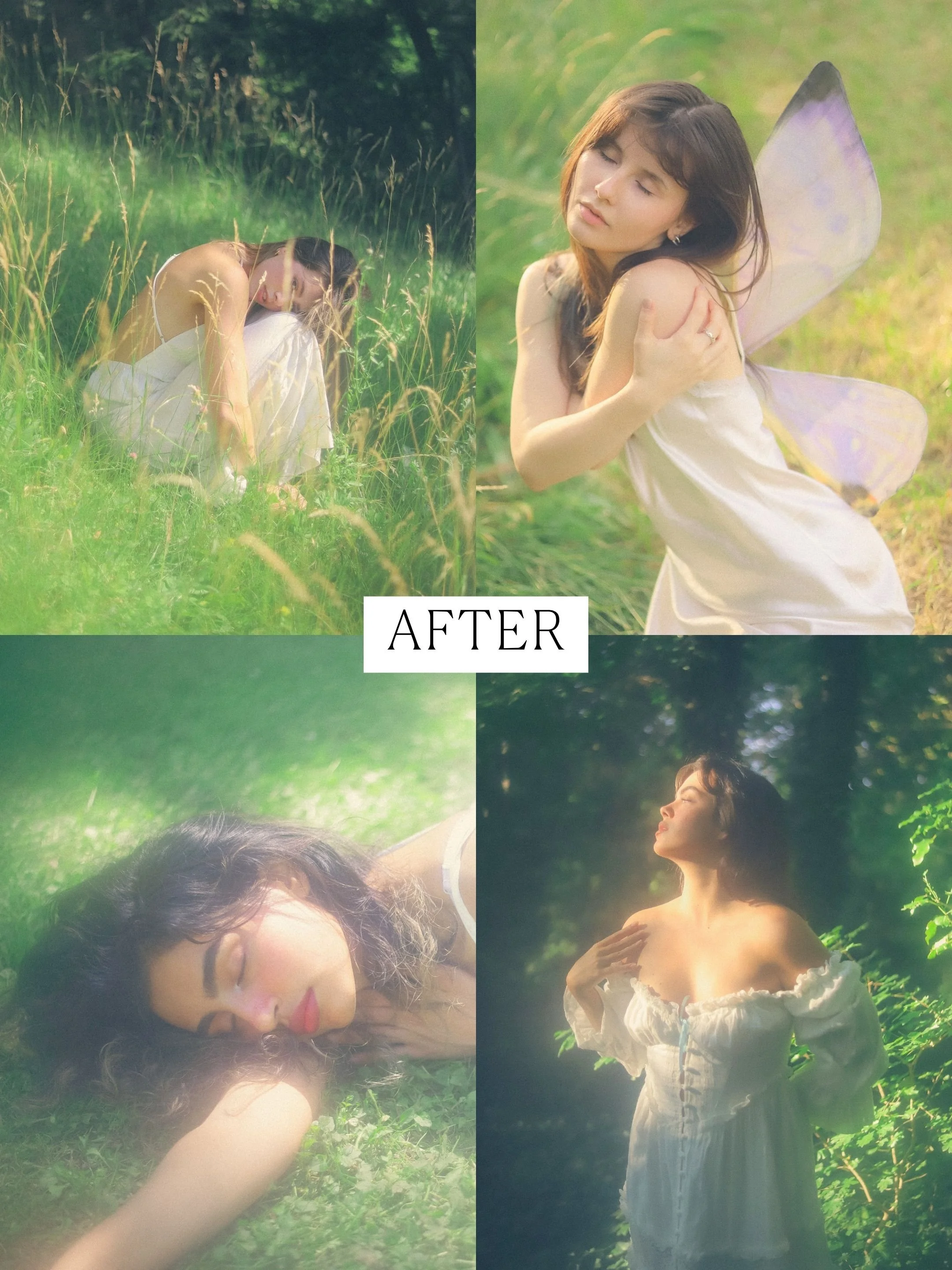

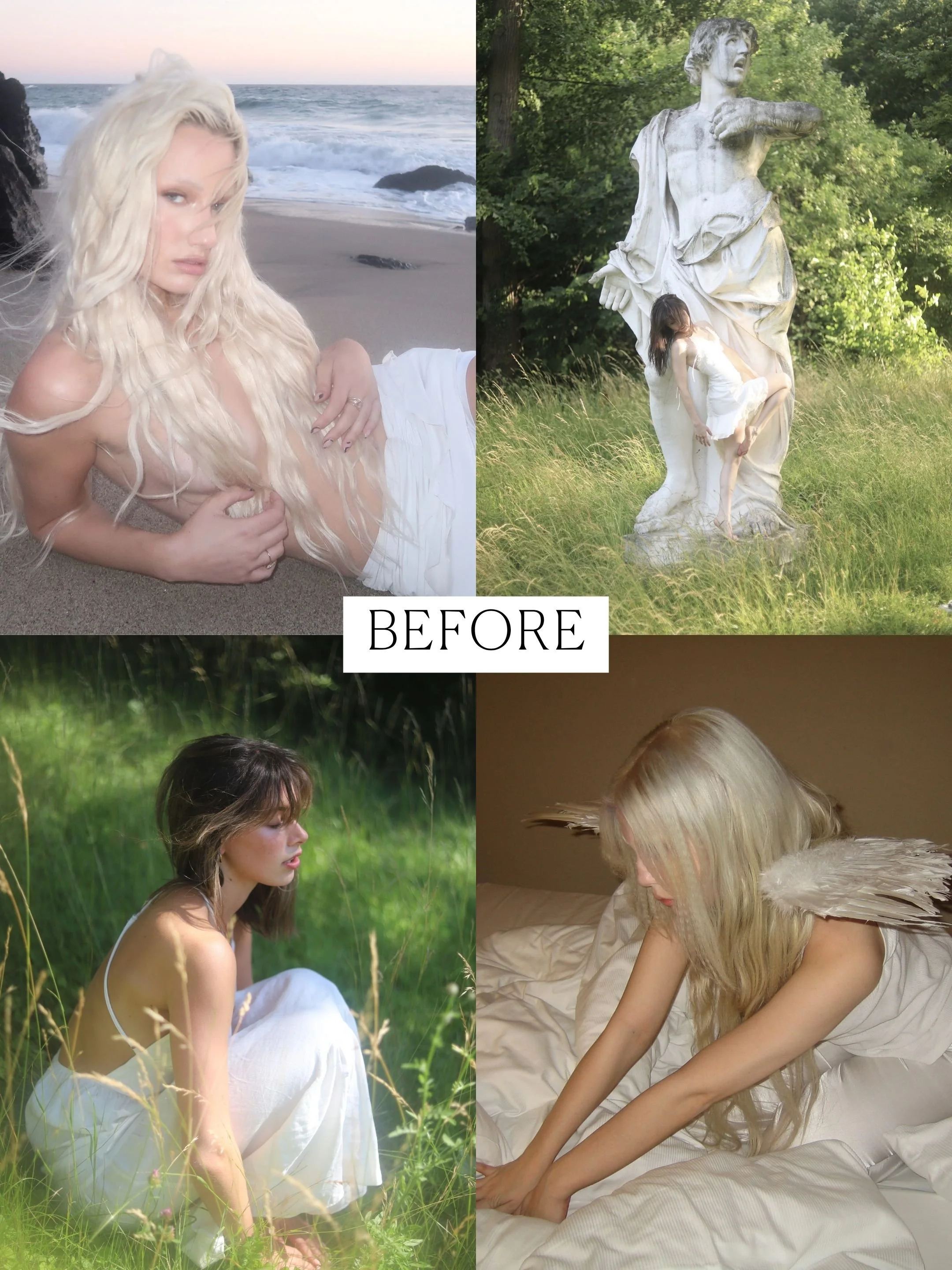
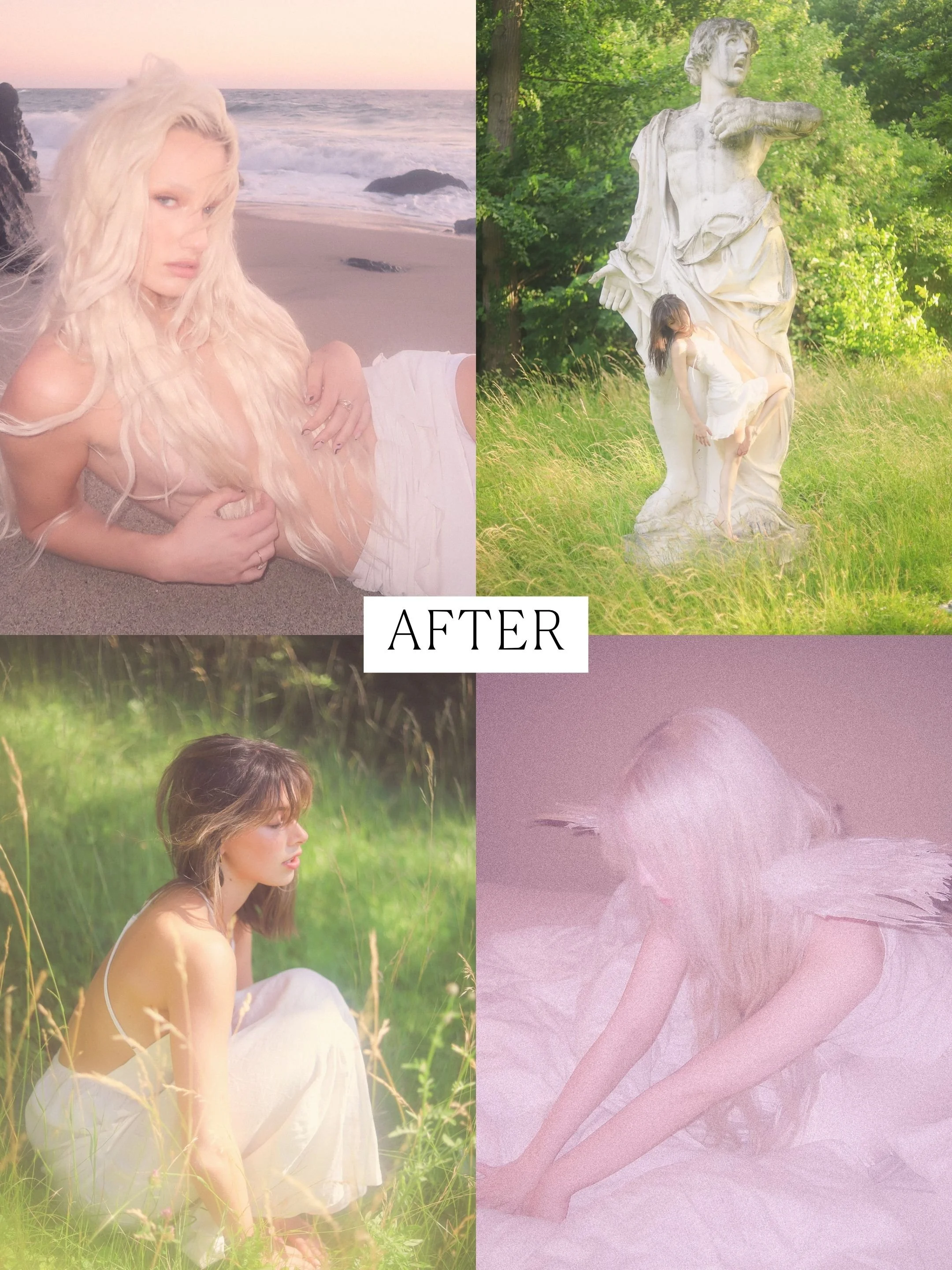
Frequently Asked Questions
-
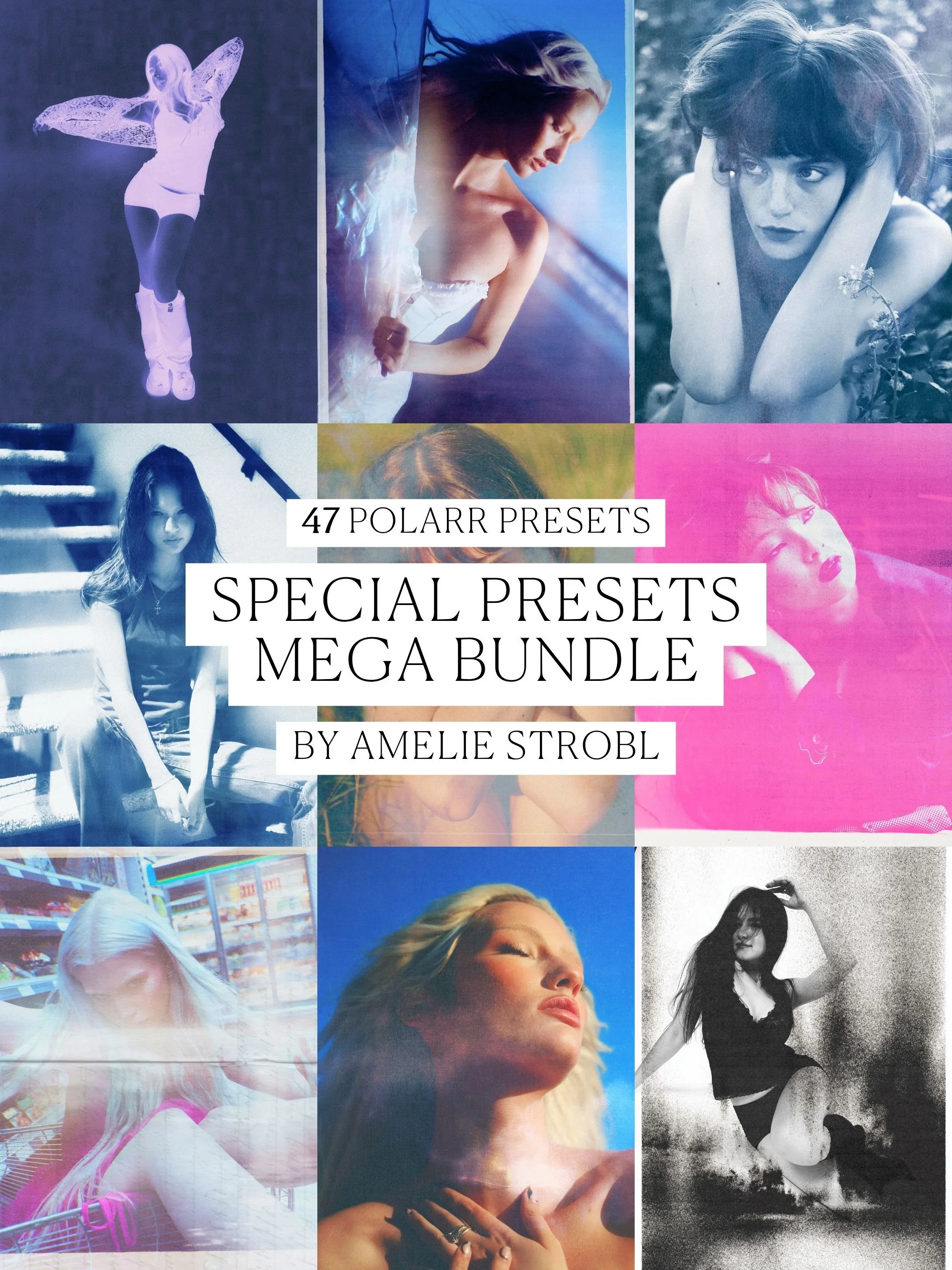
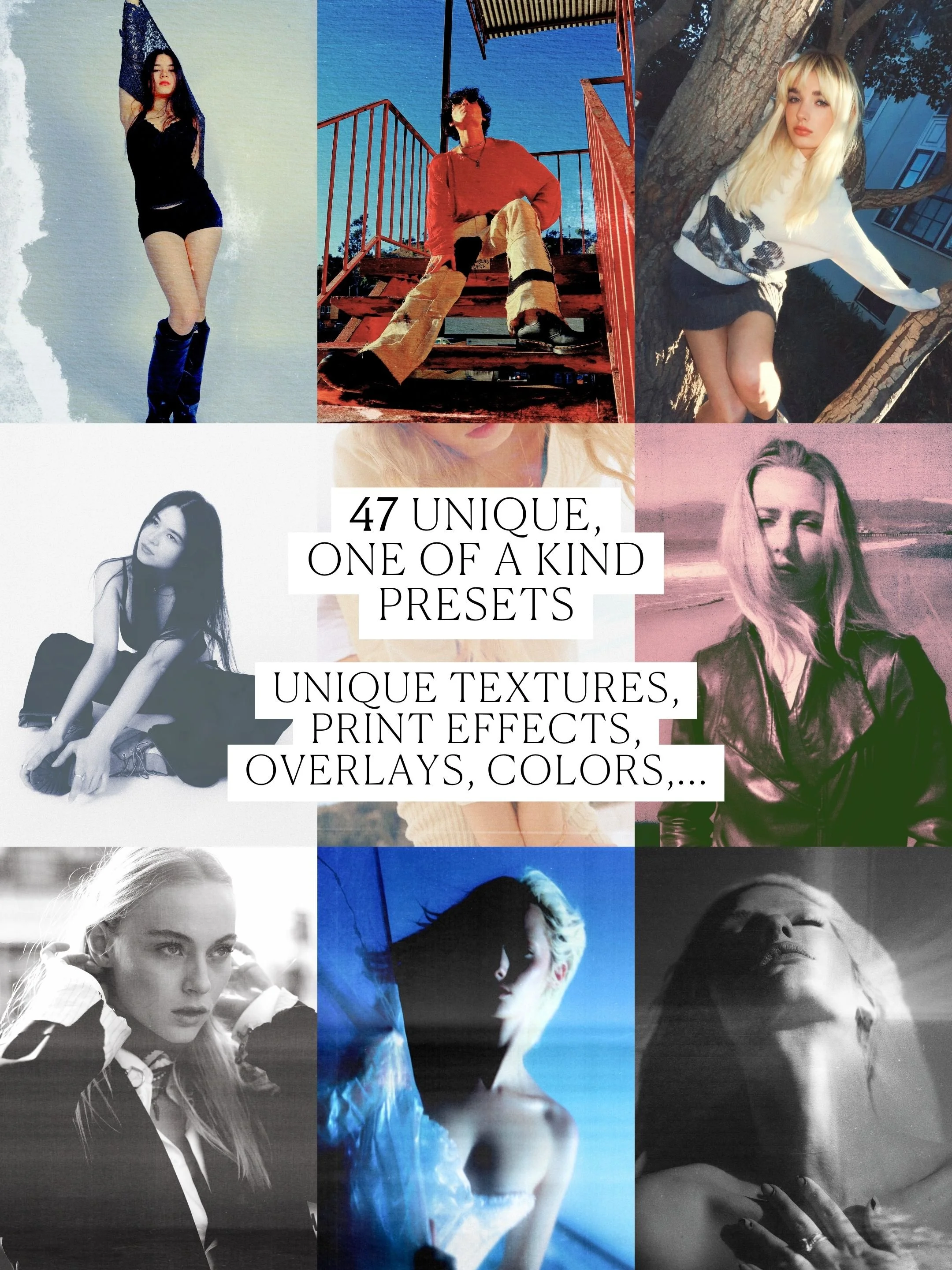
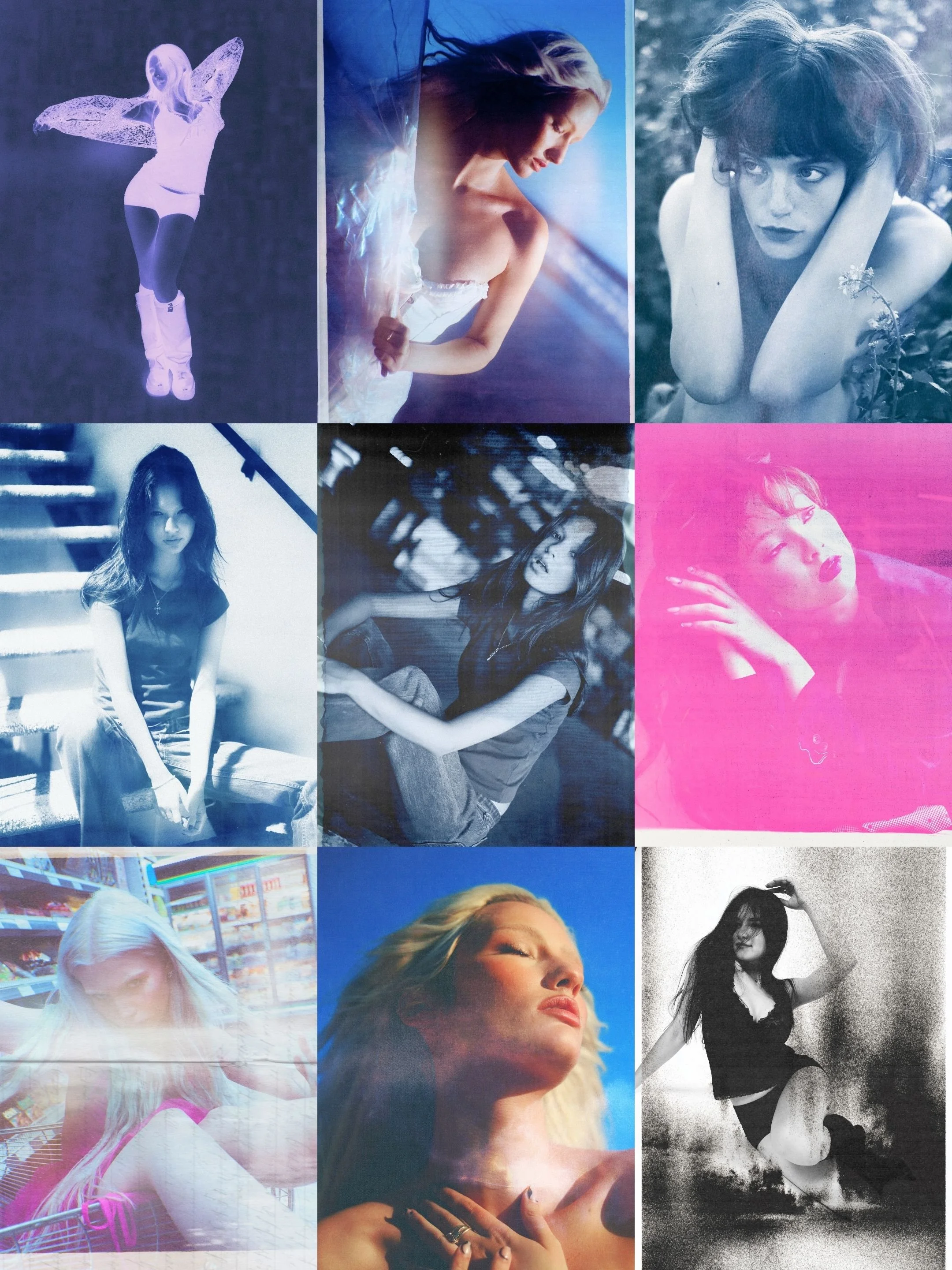
Lightroom Desktop is the industry standard, which I’ve used for many years. In addition to Lightroom, I also started using POLARR about 4 years ago.
The POLARR app allows for more features + overlays in comparison to Lightroom. So these filters will have an even more unique, experimental style to them as you can play around way more with the overlays and textures.
The Lightroom Presets can be used for Lightroom Desktop (Classic & New) and the Polarr ones can be exclusively used in their App (IOS, Android, iPad, Tablet etc.)
But don’t worry, there is NO subscription needed for any external apps or tools to use these presets. Everything is fully free to use.
A detailed & simple description on how to use the presets is included in the download link after purchase.
I am NOT sponsored by Polarr and do not have any affiliate links with them.
-
A detailed & simple description on how to use the presets is always included in the download link after purchase ✧
-
Slight Adjustments (Exposure, Shadows, Highlights, Saturation) will always be needed depending on the RAW File you want to edit.
I recommend playing around with the Shadow Tool the most, as it can make a photograph more ‘‘pastelish’’ if that is what you like.
If you want ‘‘colder’’ greens (more similar to my photography style. I recommend adjusting the White Balance already during shooting, to make sure the picture does not turn out to be too warm-toned.
-
Due to the nature of this sale, a refund is unfortunately not possible. If you run into any issues please reach out via: ameliestroblofficial@gmail.com